Facebook and Instagram Ads: Creatives, Funnels, Scaling
— Paid social: Facebook and Instagram
How I launch paid social ads on Facebook and Instagram: from the pixel and audiences to creative tests and scaling the combinations that already bring leads.
Start with the pixel and events
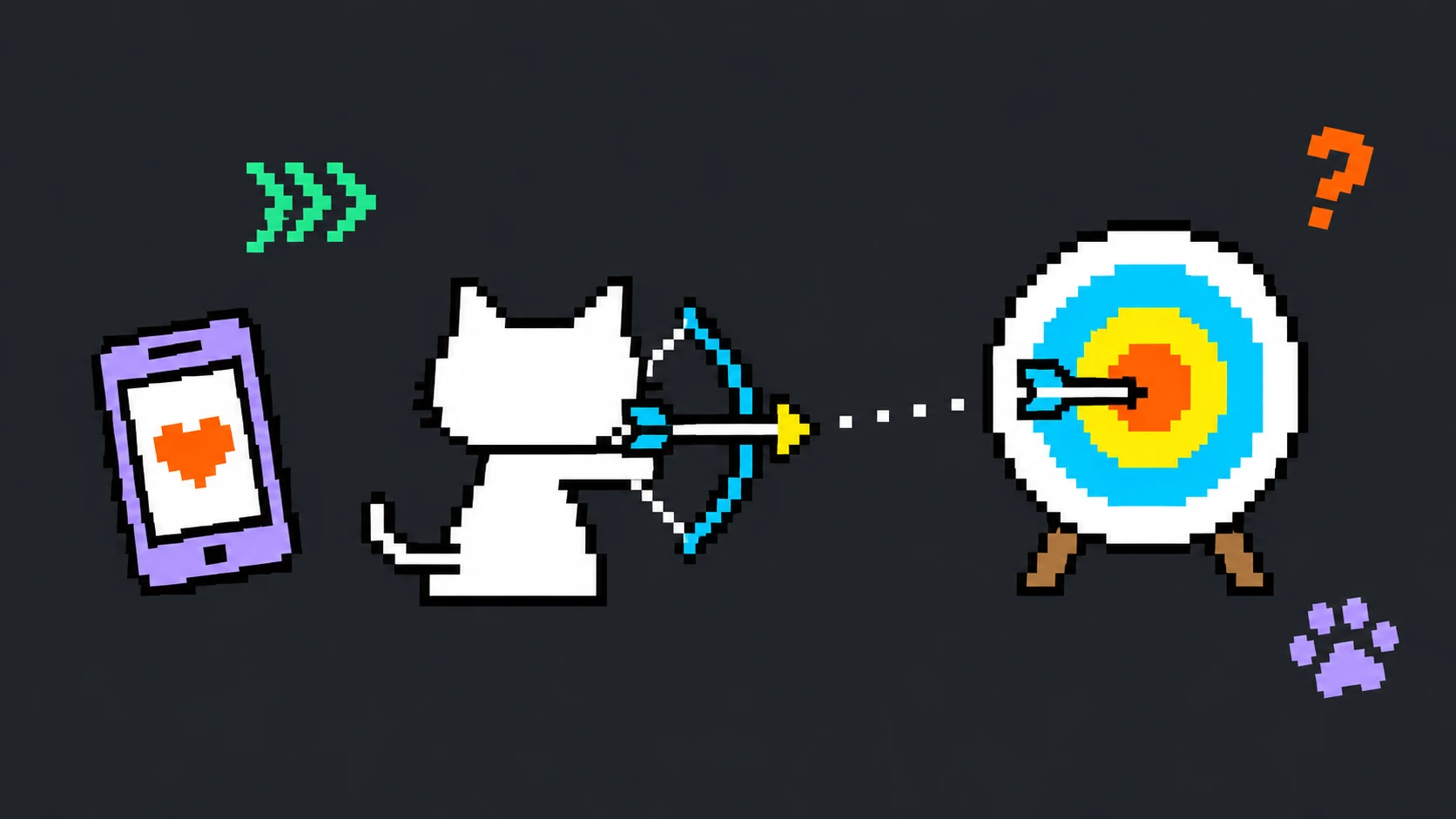
Before sending traffic, install the pixel and set up events (view, lead, purchase) in Events Manager. This is the data the algorithm learns from to find people who look like your buyers. Ads without correctly set up events optimize blindly and cost more.
Audiences: cold, warm, lookalike

I split traffic by temperature and never mix it in one ad set. Cold audiences test the offer, warm ones (retargeting engaged users and site visitors) close the deal, and lookalikes scale what worked.
- Cold: interests and broad audiences to test the offer
- Warm: retargeting engaged users, visitors, abandoned carts
- Lookalike: people similar to those who already sent a lead or bought
Creatives matter more than settings
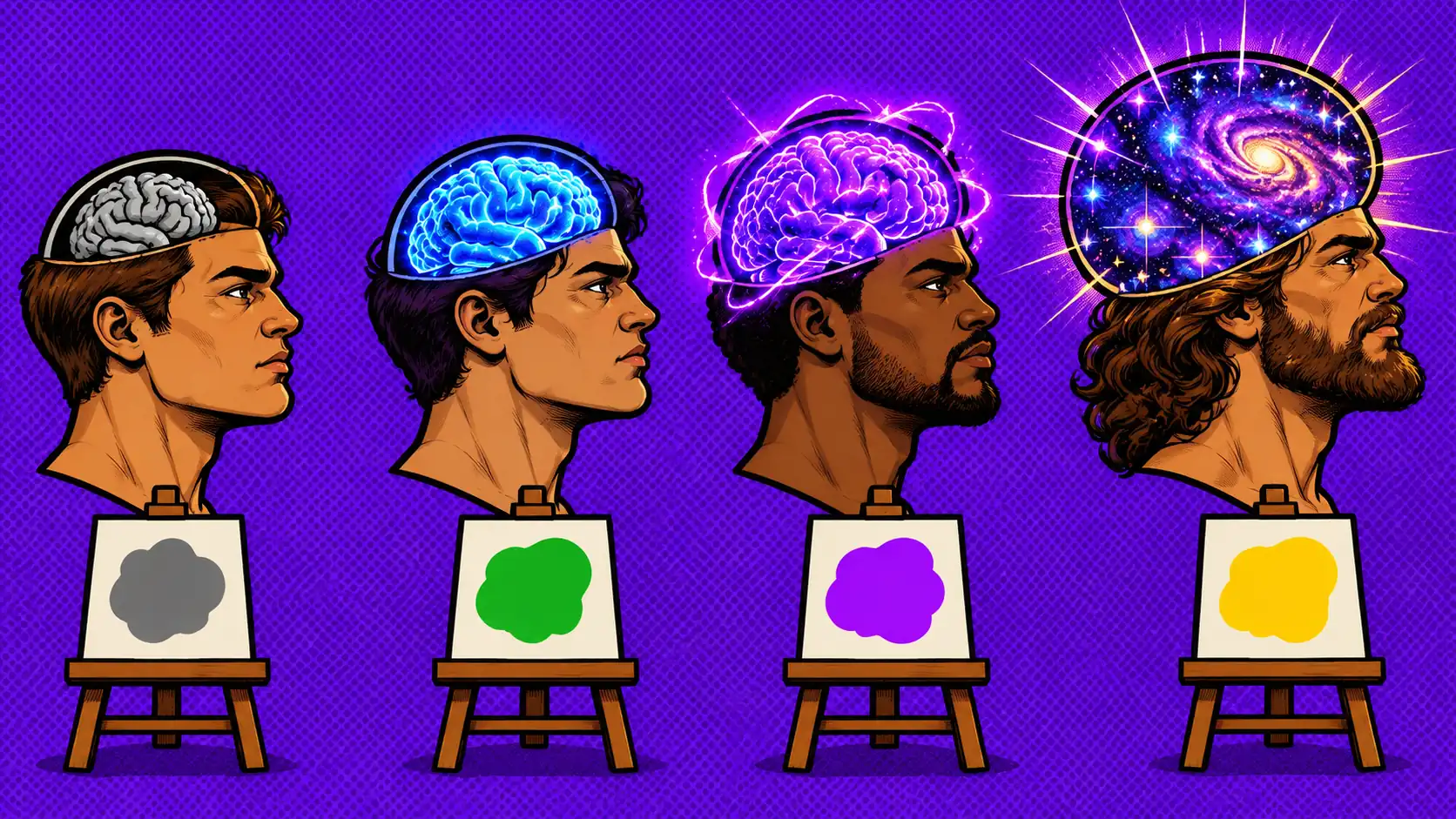
On Facebook and Instagram the creative is the main lever. One strong offer in a video or a static image does more than fine-tuned audiences. So at launch you test 3 to 5 different angles, not a single image: pain point, benefit, social proof, a direct offer.
The first seconds of the video and the first line of text have to hook. Otherwise the algorithm will not get to show the ad to the right people, and you overpay for impressions.
Funnel: test, select, scale
The launch is built as a funnel. First we test "audience + creative" combinations on small budgets, switch off the weak ones and keep what brings leads at a reasonable price. Only then do we scale: by raising the budget or by duplicating onto lookalikes and new locations.
Scaling without losing the cost per lead
A sharp budget increase often breaks the campaign learning and tanks the result. I scale in stages: add 20 to 30% to the budget every couple of days, or go horizontal with new ad sets on adjacent audiences. That keeps the cost per lead steady as volume grows.
See also
- How to Set Up Yandex Direct: A Step-by-Step Guide
- Telegram Automation Tools: Bots, Inviting, Broadcasts
Launch paid social ads
- Paid Social Ads on Facebook and Instagram — creatives, funnels, scaling
Get in touch: Telegram or e-mail nikitadenisov7548@gmail.com.